How to Change the Accent
Phonics Hero is available in an English, Australian and a General American accent.
Preview and compare the accents


Note for American users
There are three factors our American users should consider:
Vocabulary: You might come across words which aren’t used in North America, e.g. ‘bin’ or ‘lorry’. Skip these words or explain that they are British words. We are working on an update which will exclude these for American users.
Spellings: We’ve already excluded words where the British spelling differs from the American spelling (e.g. ‘colour’).
Alternative spellings: In our order of sounds, skip the graphemes marked with an asterisk. These are not alternative spellings in a General American accent for the specified phonemes. For example, ‘aw’ for the word ‘law’ is pronounced the same as ‘lor’ in an English accent vs ‘la’ in a General American accent, so is not an alternative to ‘or’ as in ‘for’.
We are working on an update which will automatically exclude any alternative spellings which are not relevant to a General American accent.
Changing the accent
Please note: You must be designated as an admin to change the accent from within your Phonics Hero account.
Parents who have purchased their own subscription to Phonics Hero should follow these instructions.
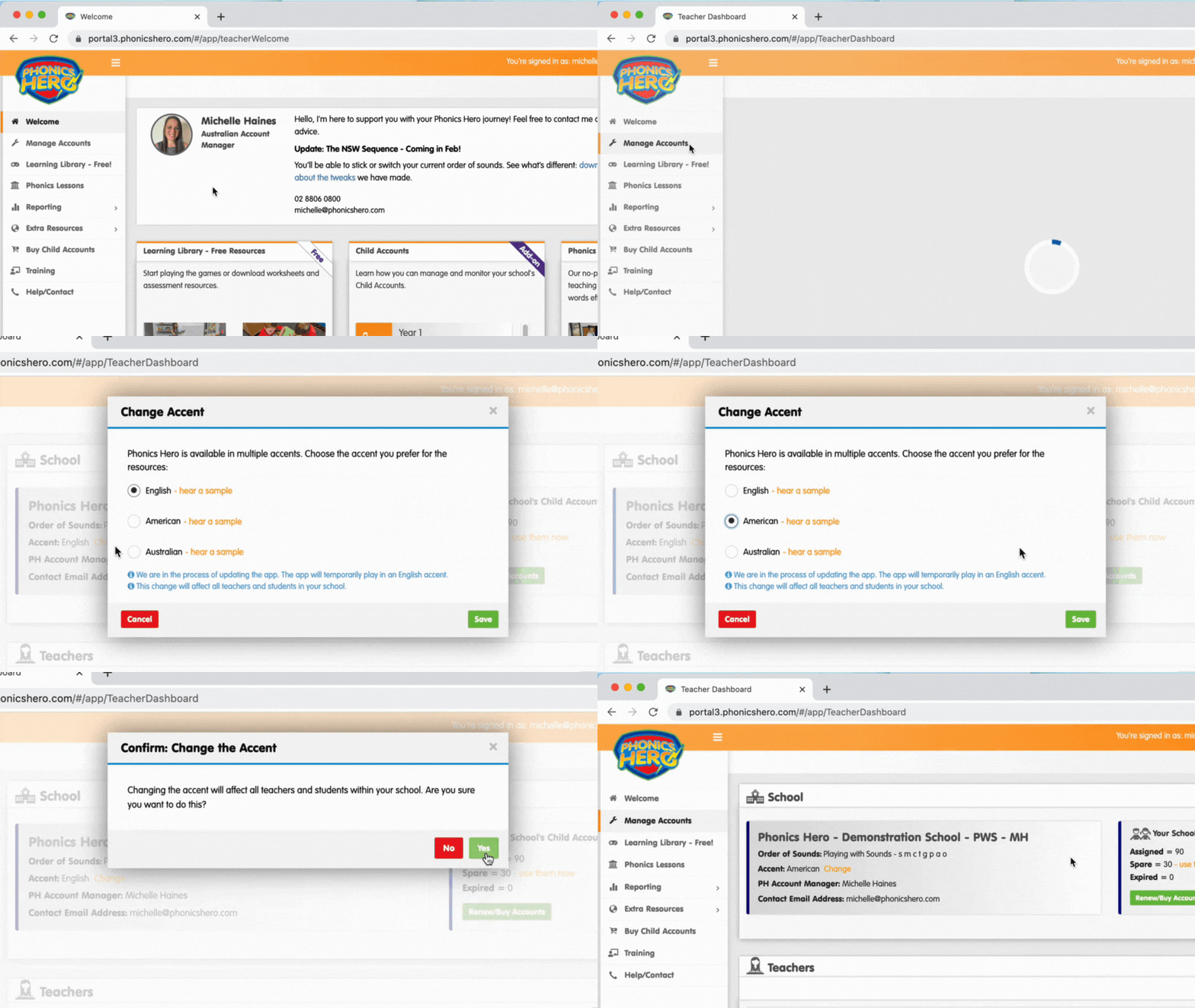
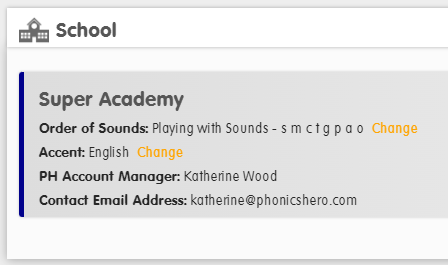
- In the School section at the top of the page, next to your current accent, press the orange Change text.
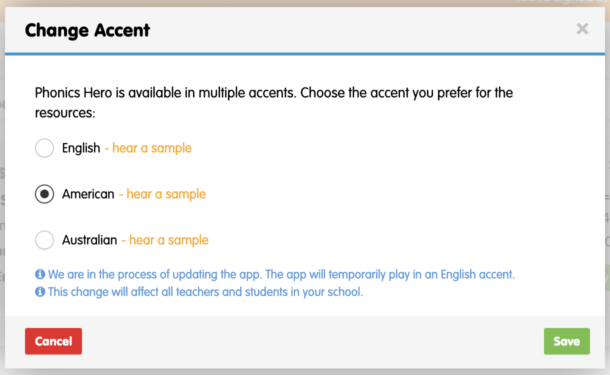
- In the pop-up window, preview and select your preferred accent, then press Save.
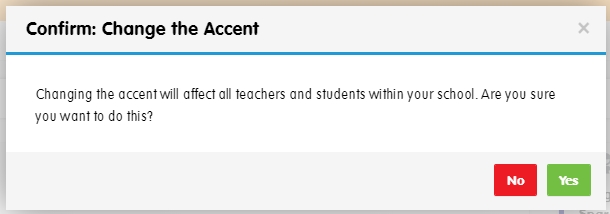
- A confirmation window will appear asking you to confirm the change will affect all teachers and students in your school’s account. Press Yes.
See the steps in action: