Delete a Class
When you want to remove an empty class from your Phonics Hero account (for example, if the class groupings have changed).
Please note: a class must be empty of students before you can delete it. Move all students out of the class before trying to delete it. If you would also like to delete the Child Accounts, please get in touch.
i
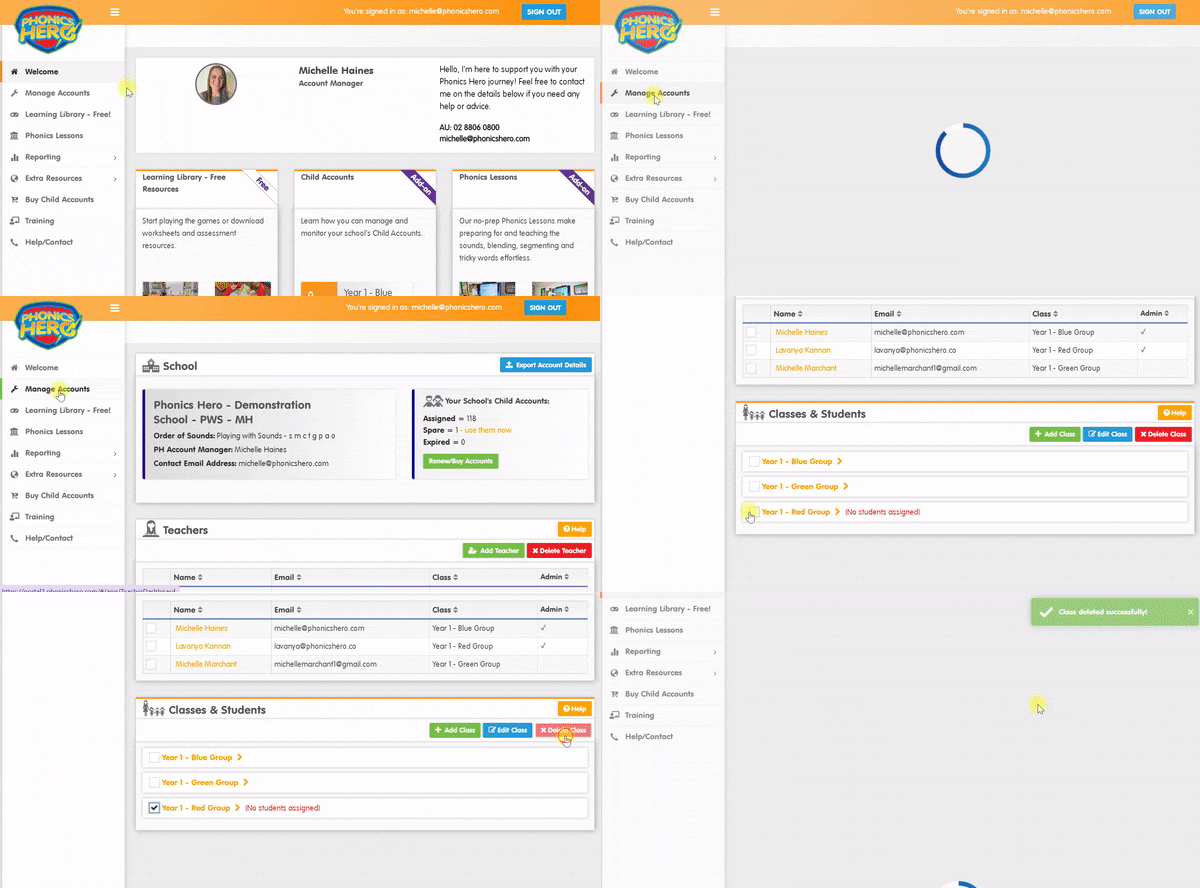
Where to find this: Log in › Manage Accounts › Classes & Students
- Select the checkbox next to the class you would like to delete.
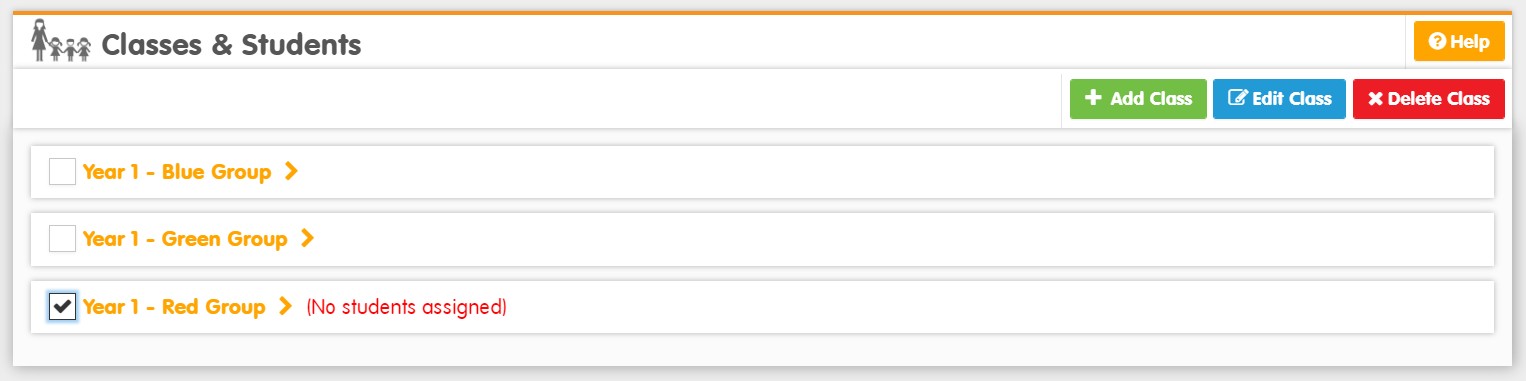
- Click the red Delete Class button.

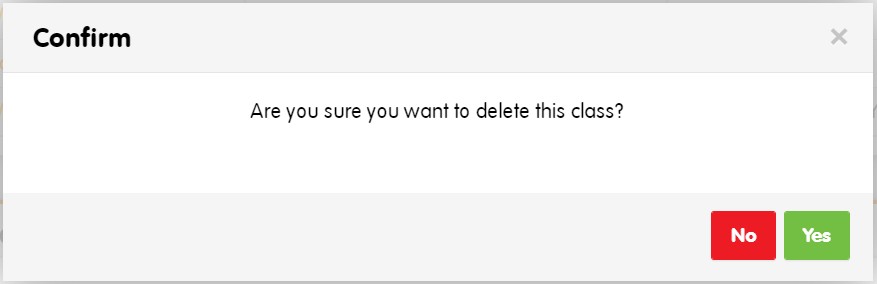
- A pop-up will appear asking you to confirm the deletion. Click Yes.
The class will be removed from your account.
Watch the steps in action: