
Add or Remove Admins on Your Account
If you would like to add, replace or remove an admin on your school’s Phonics Hero account, existing admins can do this from within their Phonics Hero account.
i
Where to find this: Log in › Manage Accounts › Teachers
To Add or Replace an Admin
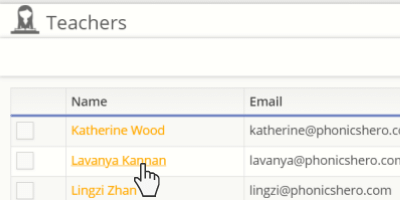
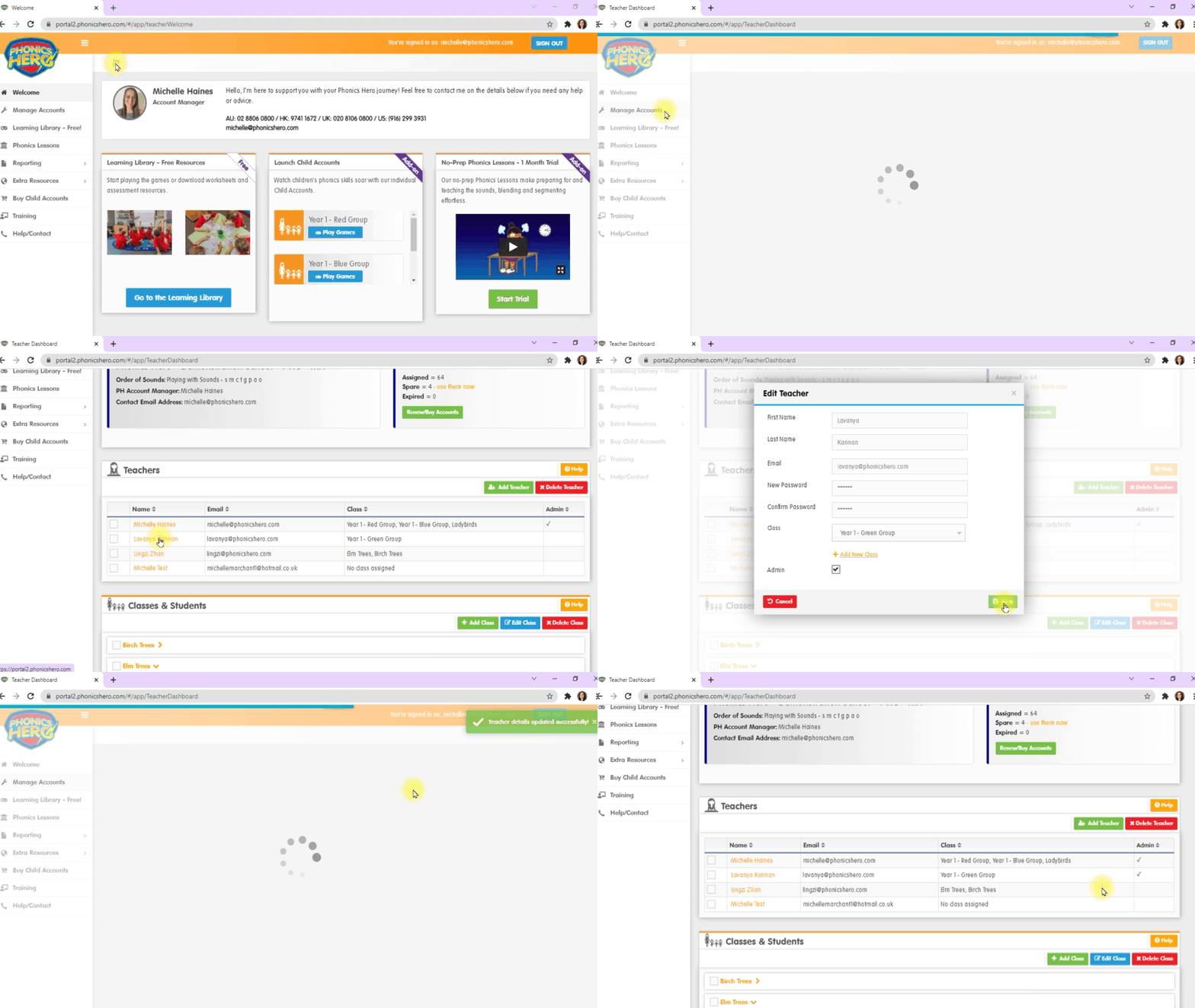
- Click the name of the relevant teacher.
- In the pop-up window, select the box next to ‘Admin’.
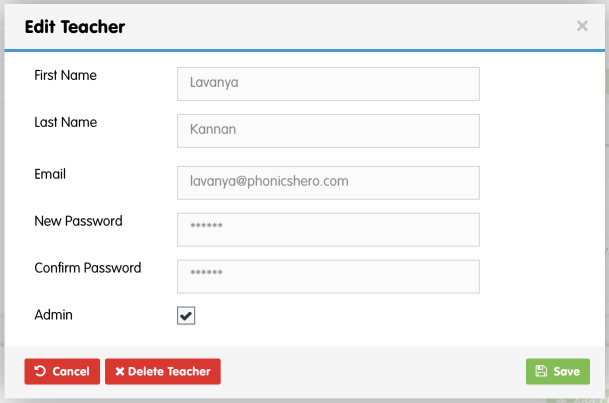
- Click ‘Save’.
- Choose whether to replace yourself as admin or add an additional admin, then click your choice.
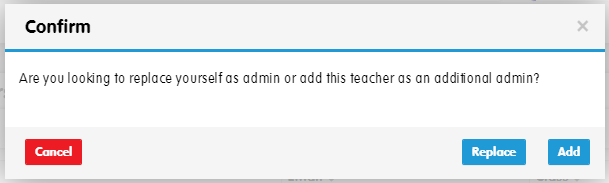
Your new admin has been designated and will be able to see all classes and students to manage Child Accounts, view teacher and student usage reports and add, edit or delete teachers.
See the steps in action
To Remove an Admin
- Click the name of the relevant teacher.
- In the pop-up window, deselect the box next to ‘Admin’.
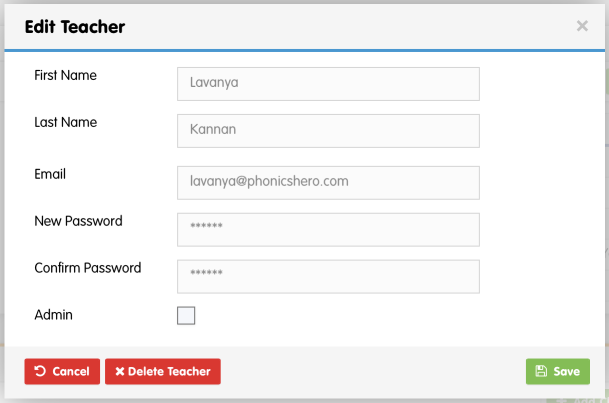
- Click ‘Save’.
The admin permissions for the selected teacher are now removed.
