
Turn Down/Off the Background Music
Adjust the volume of the background music in a child’s account by following these steps:
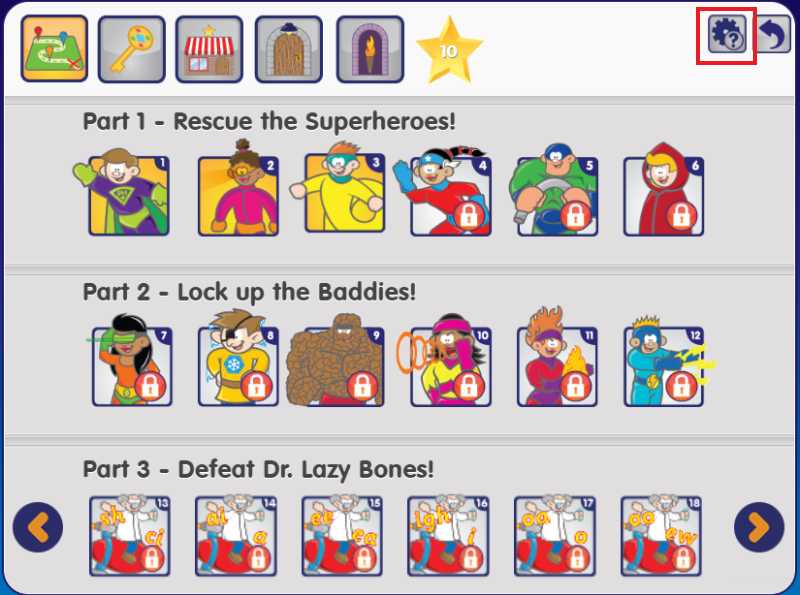
- Click the settings button in the top right of the level or map page.
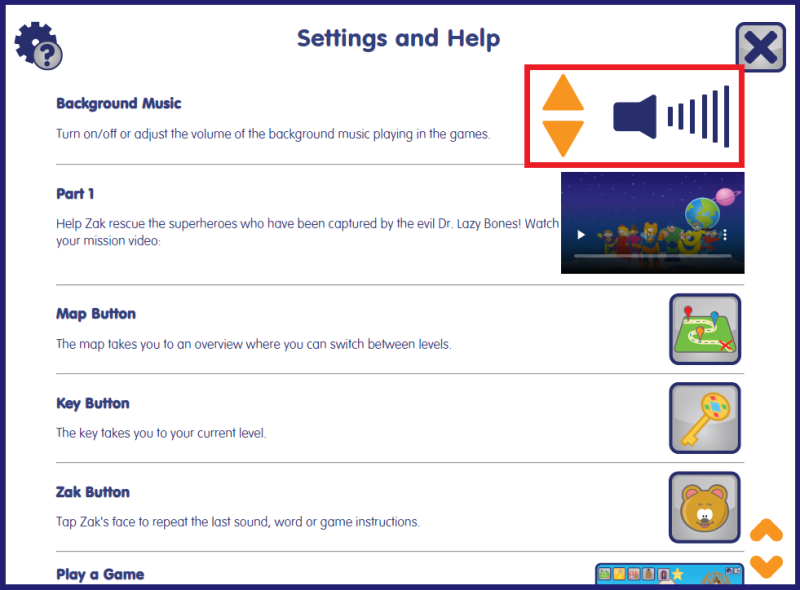
- In the window that opens, use the orange up and down arrows to adjust the volume, or click the speaker icon to turn it off completely.
- Your settings will be saved across games and sessions, so you only need to set the volume once.
- Volume cannot be adjusted during a game — adjust it before your child starts or between games to avoid having to repeat a game.
