Why Are the Games Cut off on My Screen?
If parts of the game are appearing outside the game area, as shown below, try the following fixes.
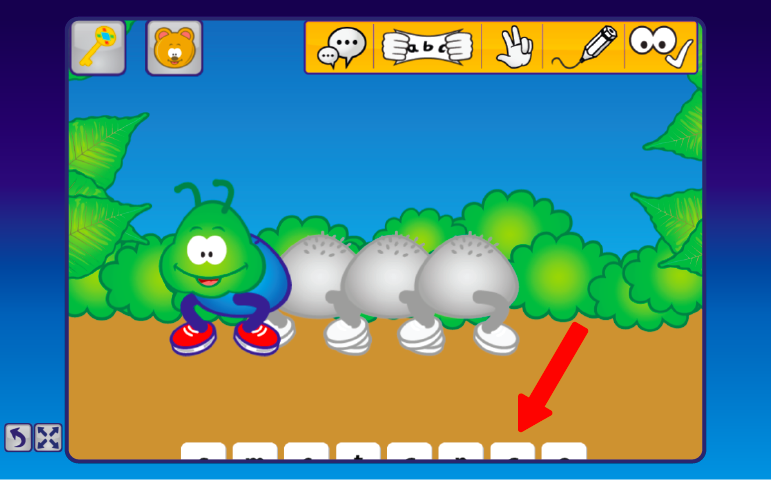
Click the fullscreen button on the left of the game:

If that doesn’t help, zoom out to 80% and then refresh your browser:
- Windows: press Ctrl and –
- Mac: press Command and –
Watch the steps in action:
If it’s still not working, please speak to your IT department and tell them: “I am trying to play Phonics Hero’s games. The games are designed for a minimum screen size of 1024 x 768. Can you help ensure the browser is displaying at the correct resolution?”
