How to Delete Teachers
When a teacher leaves your school or no longer needs a Phonics Hero login, you can delete them from your account.
If you wish to delete your own account, follow these instructions.
i
Where to find this: Log in › Manage Accounts › Teachers
Please note: Only school admins can delete teachers from the school’s account.
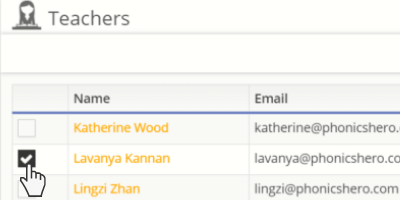
- Select the checkbox next to the relevant teacher(s).
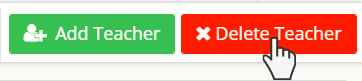
- Click the red Delete Teacher button.
- A pop-up window will appear asking you to confirm the deletion. Click Yes to proceed.
