The Website or App Appears Offline and Images Won’t Load
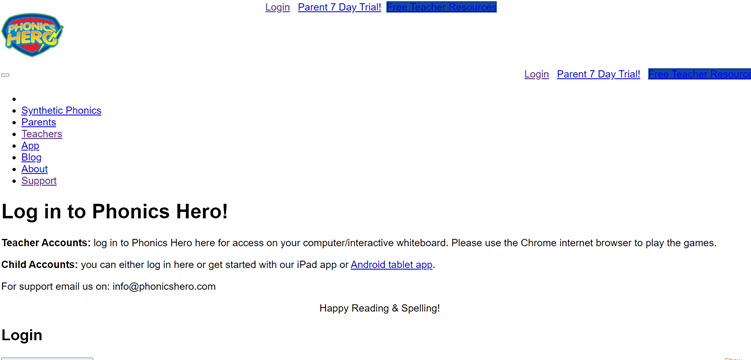
If Phonics Hero appears to have no internet connection but other apps and websites are working, it’s likely your school’s network is blocking it. You may see a screen like this:
If you’re trying to access Phonics Hero at home, check that your parental control or anti-virus software is not blocking Phonics Hero.
If you are using Phonics Hero in a school, your IT department will need to ensure your firewall is not blocking Phonics Hero. This is something only your IT department can action directly. They will need to allowlist our website (add it to your school’s list of safe sites) using the following two URLs:
- https://phonicshero.com
- https://*.phonicshero.com/
Please ensure the second URL includes *. to allow access to all of Phonics Hero’s subdomains.
If you can play the games on a computer but not on a mobile device, check that the mobile device is connected to the correct network.
If you’re still having difficulties, get in touch.
