How to Play Earlier Levels
There are two reasons for playing earlier games/levels:
- Your child struggled with the earlier content and needs more practise. If this is the case, you need to change their level.
- For fun and extra practise. If your child liked a particular game or level they can go back and play again! It won’t affect their current level position and it’s not because they’re struggling — it’s just fun. This article explains how to repeat those games.
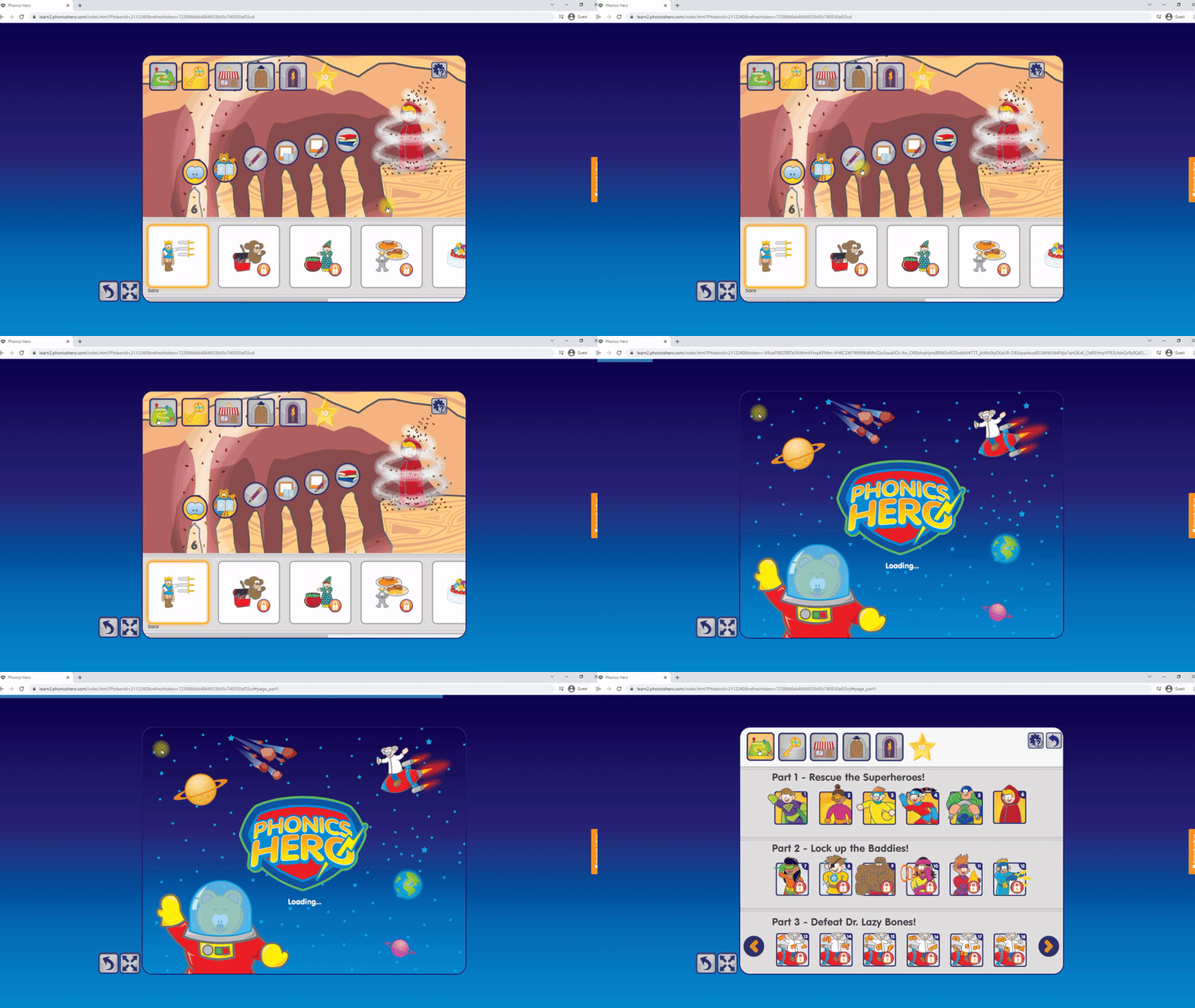
To navigate back to completed games:
i
Where to find this: Log in › Welcome Page › Play Games
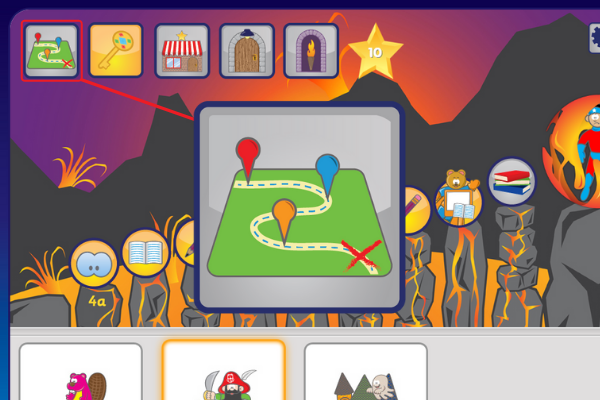
- From the level page, click the map icon in the top left corner.
- You will be taken to the overview page (shown below). In this example, the child is currently on Level 6, which means everything from Level 7 onwards is locked — as shown by the locked icon.
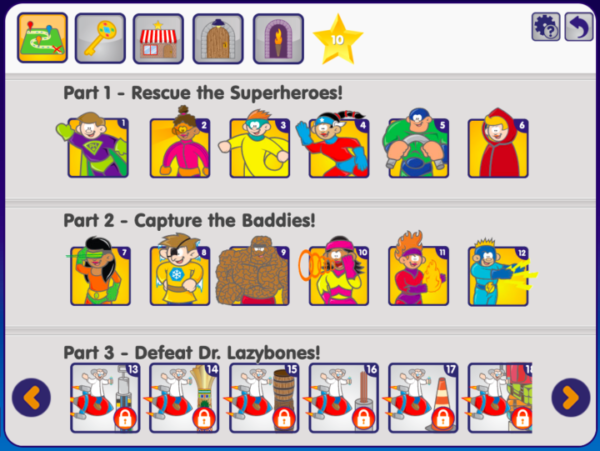
- Choose an unlocked level to start playing.
See the steps in action: